
Your Backyard Pond Needs Security Now (Here’s Why Hackers Care)
Your smart pond system—that automated feeder, Wi-Fi-connected pump controller, or app-managed filtration setup—probably isn’t as secure as you think. Last month, a friend of mine discovered someone had accessed his pond’s automated feeder through a default password he’d never changed, running up his fish food bills and stressing his koi with irregular feeding schedules. It’s a wake-up call many of us need.
Smart pond technology has transformed how we care for our water gardens, letting us monitor water quality, control lighting, and manage filtration from anywhere. But each connected device creates a potential entry point for hackers or unauthorized users. The same convenience that lets you check your pond’s pH from vacation also opens a digital door that needs protecting.
The good news? Securing your smart pond infrastructure doesn’t require a computer science degree. Most vulnerabilities come from simple oversights—factory-set passwords, outdated firmware, or unsecured Wi-Fi networks—that you can fix in an afternoon. Whether you’re running a basic automated feeder or a fully integrated pond management system with multiple sensors and controllers, understanding and implementing basic cybersecurity practices protects not just your equipment investment, but the living ecosystem depending on that technology functioning properly.
This guide walks you through practical security measures designed specifically for pond equipment, explained in plain language that respects both your intelligence and your time. Let’s make sure your smart pond stays smart, safe, and under your control alone.
What Makes a Pond ‘Smart’ (And Why That Matters)
The Convenience Factor That Created the Risk
Think of your smart pond like your home. The features that make your house comfortable—windows for fresh air, doors for easy access—are also potential entry points if left unsecured. The same principle applies to your connected pond devices.
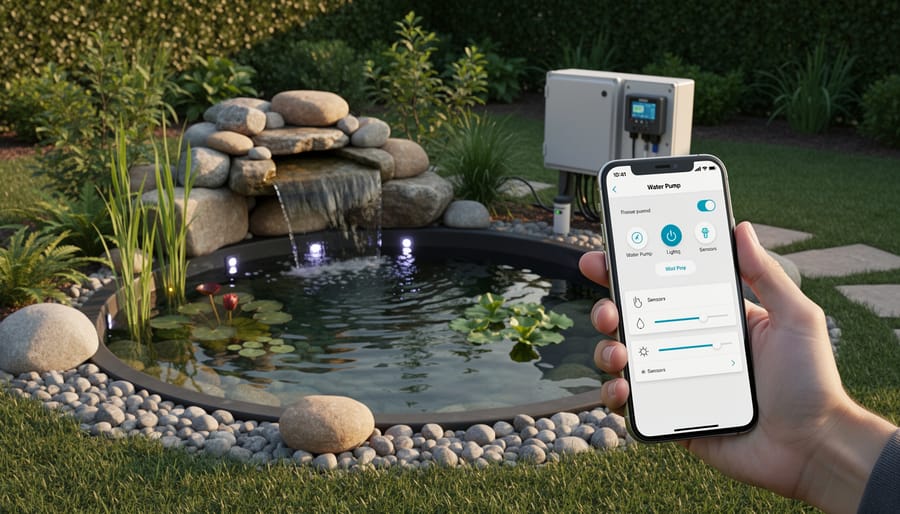
When I first installed my smart pond system, I loved checking water quality from my couch and adjusting the fountain while at work. But here’s what I didn’t initially consider: every convenience feature creates a digital doorway. Remote monitoring means your pond system connects to the internet. Smartphone control requires wireless signals. Automated care depends on sensors constantly communicating data.
These connections are like leaving a window cracked open. Most of the time, nothing happens. But without proper security, you’re giving potential intruders an opportunity they wouldn’t otherwise have.
The appeal of smart ponds lies in their set-it-and-forget-it nature. You can manage everything from anywhere, anytime. However, this constant connectivity means your pond equipment is always online, always accessible. If someone gains unauthorized access, they could tamper with water chemistry settings, override temperature controls, or even shut down filtration systems entirely.
The good news? Understanding this vulnerability is the first step toward protecting your investment. Just as you’d lock your doors and windows, securing your smart pond requires simple, practical steps that don’t diminish any of the wonderful convenience these systems provide.
Real Threats to Your Smart Pond System
Someone Could Mess With Your Fish
Here’s the reality nobody likes to talk about: if someone can access your smart pond system, they can potentially harm your fish. I’m not trying to scare you, but it’s worth understanding what could happen.
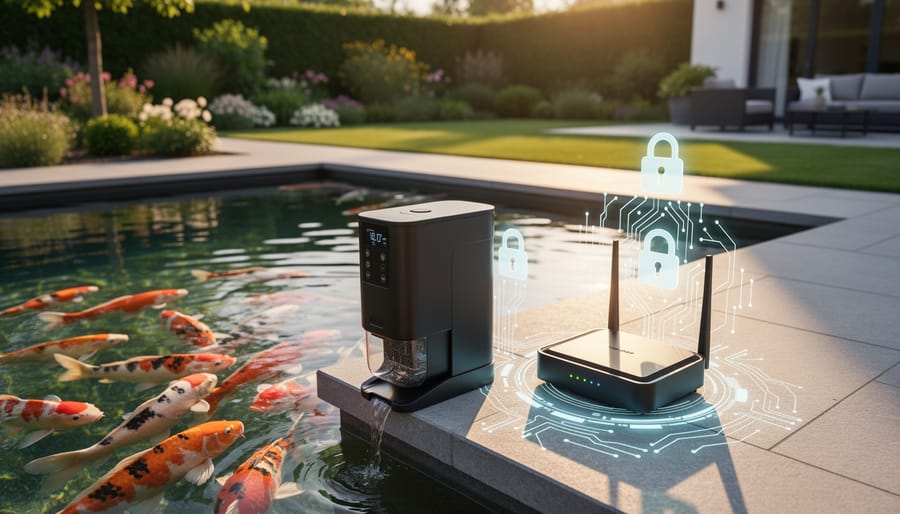
Think about it. Your automated feeder dispenses food on a schedule. A hacker could either overfeed your fish (causing water quality problems and stress) or stop feeding them altogether. Temperature controllers keep your pond at the perfect range for your koi or goldfish, but someone with unauthorized access could crank the heat or shut off your heater entirely. Same goes for oxygen pumps and filtration systems.
My friend Tom in Oregon learned this the hard way. He noticed his fish acting lethargic one morning and checked his pond app. Someone had lowered his water temperature by eight degrees overnight. Luckily, he caught it early and his fish recovered, but it was a wake-up call. Turns out he was still using the default password that came with his system.
The good news? Most of these problems are preventable with basic security steps. We’re talking simple changes that take minutes, not hours. You don’t need to be a tech wizard to protect your pond, just aware that these systems need the same attention you’d give to securing your home Wi-Fi or online banking.
Your Pond as a Gateway to Your Home Network
Think of your pond system as a stepping stone across a stream. Hackers don’t necessarily want your pond controller, but they’ll happily use it to reach something more valuable: your home network, personal computers, and other smart devices.
Here’s how it works in plain terms. Your smart pond pump connects to your home WiFi, right? If that pump has weak security or default passwords, a cybercriminal can access it remotely. Once they’re in your pond equipment, they’re essentially inside your network’s perimeter. From there, they can explore what else is connected, whether that’s your laptop, smartphone, security cameras, or even your banking information stored on home devices.
I learned this lesson when a friend’s outdoor smart irrigation system got compromised. The hacker didn’t care about watering schedules, but that vulnerable device gave them a doorway to access family photos, documents, and saved passwords on other devices sharing the same network.
Your pond equipment might seem insignificant to protect, but cybercriminals see it differently. They look for the easiest entry point, and IoT devices like pond controllers are often overlooked and poorly secured. That makes them perfect targets. Protecting your pond system means protecting everything connected to your home network.
Privacy Issues With Pond Cameras
Internet-connected pond cameras offer wonderful benefits like checking on your koi while traveling or capturing wildlife visits, but they do come with privacy considerations worth understanding. When cameras connect to your home network, they create a potential window into your backyard that could be accessed if proper security isn’t in place.
The good news? Most privacy concerns are easily preventable with basic precautions. Start by changing default usernames and passwords immediately after installation. Many cameras ship with generic credentials that are publicly known, making them surprisingly easy targets. Choose strong, unique passwords you haven’t used elsewhere.
Consider camera placement thoughtfully. Position them to focus on the pond itself rather than capturing wider views of your patio, windows, or neighboring properties. This limits what unauthorized viewers could see even in a worst-case scenario.
Check your camera’s settings for features you might not need. Some devices allow public streaming or sharing capabilities that are enabled by default. Disable anything that makes your feed accessible beyond your household. Regular firmware updates from the manufacturer patch security vulnerabilities, so enable automatic updates when available.
Think about whether continuous streaming is necessary, or if motion-activated recording serves your needs while reducing exposure time. Remember, smart pond technology should enhance your enjoyment, not create worry.
The Ransomware Scenario Nobody Expects
Here’s something you probably haven’t lost sleep over: ransomware targeting your pond. While it sounds like science fiction, connected pond systems technically could be locked by cybercriminals demanding payment to restore access. The good news? It’s extremely unlikely. Pond systems simply aren’t valuable targets compared to hospitals or businesses.
That said, awareness doesn’t hurt. If your pond controller connects to the internet, it theoretically shares vulnerabilities with other smart devices. The best protection is following the basic security steps we’ve already covered, like strong passwords and regular updates. Think of it this way: securing your pond equipment protects not just against far-fetched ransomware scenarios, but also the much more common issues like unauthorized access or data breaches. Keep your systems updated, use separate networks, and you’ll sleep soundly knowing your koi are safe from digital hijinks.
Simple Steps to Protect Your Smart Pond
Change Those Default Passwords Right Now
Let me tell you something I learned the hard way: I once spent an entire afternoon installing a gorgeous new smart pump controller, only to discover weeks later that someone had accessed it because I’d never changed the default password. Yep, I left it at “admin” and “admin.” Face-palm moment for sure!
Here’s the truth: manufacturers use simple default passwords like “admin/admin,” “password123,” or “12345678” because they’re easy to remember during setup. Unfortunately, hackers know these defaults too, and they’re the first thing they’ll try. It’s like leaving your house key under the welcome mat.
For each piece of smart pond equipment—whether it’s your Wi-Fi controller, auto-feeder app, or water quality monitor—change that password immediately after installation. Create something memorable but secure. I like combining three random words with a number, like “BlueHeron7Lily” or “Koi4Sunset9.” These are way easier to remember than random gibberish but much harder to crack than “Pond2024.”
Write your new passwords down in a notebook (not on your phone’s notes app!) and keep it somewhere safe. Yes, old-school works! And please, use different passwords for different devices. If one gets compromised, you don’t want everything else falling like dominoes.
Trust me, spending ten minutes updating passwords now beats spending hours cleaning up a security mess later.
Keep Your Pond Devices Updated
Think of firmware and software updates like giving your pond equipment a tune-up that makes it smarter and safer. These updates are digital patches that manufacturers send out to fix security holes, improve performance, and add new features to your smart pumps, filters, and controllers.
My neighbor Janet learned this lesson the easy way. She set up calendar reminders to check her pond equipment for updates every month, and one day discovered her automatic feeder had a critical security update available. By installing it promptly, she avoided the vulnerability that affected several other pond owners in our area who’d ignored the notification. Their systems were accessed by unauthorized users who changed feeding schedules and caused water quality issues.
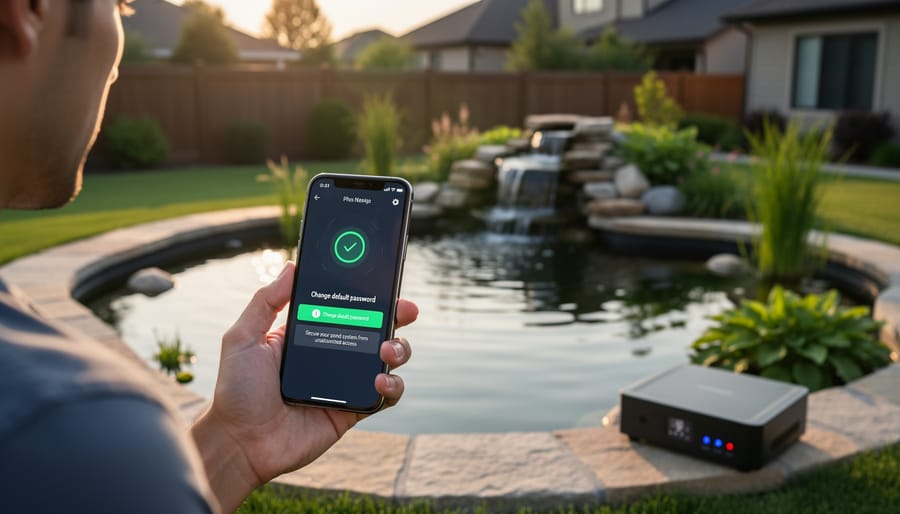
Checking for updates is usually straightforward. Open your pond device’s app and look for a settings or system menu. Most equipment will show an “Updates Available” notification or have a “Check for Updates” button. When you find an update, make sure your device has a stable internet connection, then tap install. The process typically takes five to fifteen minutes, and your equipment might restart afterward.
Set a monthly reminder on your phone to check each piece of smart pond equipment. Some apps let you enable automatic updates, which is even better for staying protected without having to remember.
Set Up a Separate Network for Your Pond Equipment
Think of your home network like your house—you wouldn’t give strangers keys to your front door, right? The same logic applies to your smart pond equipment. Setting up a separate network for these devices keeps them isolated from your main computers, phones, and personal files.
Here’s the good news: most modern routers come with a guest network feature that makes this incredibly simple. I discovered this when setting up my own pond controller, and it took less time than testing my pond’s pH levels!
Start by logging into your router’s settings. You’ll usually find a web address (like 192.168.1.1) printed on a sticker underneath your router. Type that into your browser, enter your router’s username and password, and look for a section labeled “Guest Network” or “Guest Wi-Fi.”
Enable the guest network and give it a unique name—something like “PondDevices” works perfectly. Create a strong password different from your main network (mix uppercase, lowercase, numbers, and symbols). Most importantly, make sure the option to “isolate guest network” or “prevent access to local network” is turned on. This feature acts like a fence, keeping your pond devices separated from everything else.
Now connect all your smart pond equipment to this new network. Your pump controllers, cameras, and sensors will still work perfectly, but they’re now in their own secure space. If someone somehow compromises your pond equipment, they can’t reach your personal devices or files.
Double-Check What’s Really Necessary
Here’s a question worth pondering: does your pond’s pH sensor really need internet access, or would a standalone monitor work just fine? Before connecting every piece of equipment to your network, take a moment to evaluate what genuinely benefits from remote connectivity.
Your automatic feeder might be perfect for internet control when you’re away on vacation, but does your UV clarifier need to be online 24/7? Probably not. Many devices can operate independently with simple timers or manual switches, keeping them completely off the digital radar.
Think of it like locking different doors in your house. The more entry points you create, the more potential vulnerabilities you introduce. By keeping non-essential equipment offline, you’re dramatically reducing your attack surface without sacrificing functionality.
I learned this lesson after connecting everything in my early smart pond setup. When I simplified and removed unnecessary connections, my system became more reliable and secure. Reserve internet connectivity for features where remote monitoring or control genuinely improves your pond care routine.
Monitor Your Pond System’s Behavior
Just like you’d notice if your pond pump suddenly started running at odd hours, your smart pond system can show telltale signs when something’s not quite right. Getting familiar with your system’s normal behavior is the first step in catching potential security issues early.
Keep an eye out for unexpected schedule changes—if your UV filter suddenly turns on at 3 AM when it’s supposed to run at noon, that’s a red flag. I learned this lesson when a neighbor’s system started behaving strangely, and it turned out someone had accessed their network. Similarly, watch for devices turning on or off without your input, or settings that mysteriously reset themselves.
Your smartphone app is your best friend here. Check it regularly and pay attention to any unusual notifications about failed login attempts or new device connections. If you see access from unfamiliar IP addresses or locations in your system logs, investigate immediately. Think of smart pond maintenance as including these digital checkups alongside your regular water testing.
When monitoring your pond system, trust your instincts. If something feels off—slower app response times, devices disconnecting frequently, or unexplained data usage spikes—don’t ignore it. These could indicate someone’s tampering with your system.
Choosing Secure Smart Pond Equipment
Security Features Worth Looking For
When shopping for smart pump technology and other connected pond devices, prioritize products with robust security built in from the start. Look for end-to-end encryption, which scrambles your data so only you and your device can read it—think of it like putting your pond controls in a locked safe instead of leaving them on your front porch.
Check whether manufacturers regularly release security updates. Just as you maintain your pond’s water quality, your devices need ongoing security patches to stay protected. Reputable brands will clearly communicate their update schedule and make installation simple.
Two-factor authentication adds an extra verification step when logging in, making it much harder for unauthorized users to access your system. It’s like having both a key and a security code for your gate.
Finally, seek devices offering local control capabilities—meaning you can operate them without an internet connection. This gives you a backup option if cloud services experience issues and reduces your dependence on external servers. I learned this lesson during an internet outage when I couldn’t access my pond controls remotely but was grateful I could still manage everything locally through my home network.
When Smart Isn’t Worth the Risk
Here’s the truth I’ve learned after years of working with ponds: not everything needs to be connected to the internet. Sometimes the best solution is the one that simply works without requiring passwords, updates, or network configurations.
Consider your basic pond pump. A quality mechanical timer from your local hardware store can control it reliably for years without ever needing a firmware update or posing a security risk. These simple devices might not send notifications to your phone, but they also can’t be compromised by hackers halfway around the world. I still use traditional timers for several of my pond features, and honestly, they’ve outlasted some of my smart devices.
Think about what you actually need versus what sounds cool. Do you really need to adjust your fountain remotely, or would a simple on-off switch serve you just as well? Are you checking that camera feed daily, or did it seem like a good idea at the time? Smart features should solve real problems in your life, not create new ones.
If you’re feeling overwhelmed by securing multiple smart devices, there’s absolutely no shame in scaling back. Maybe keep your smart water quality monitor because those readings are genuinely useful, but swap that connected lighting system for basic landscape lights with a timer. You’ll sleep better knowing there are fewer potential entry points for security breaches, and your pond will function just as beautifully. The goal is enjoying your water garden, not becoming an IT specialist just to maintain it.
Here’s the truth I’ve learned from years of managing water features: protecting your smart pond doesn’t mean you need to become a cybersecurity wizard. You don’t need a computer science degree or expensive security consultants. What you need is simply to build a few good habits into your routine.
Think of it this way. You already check your pump regularly, monitor water quality, and adjust settings seasonally. Adding a quick password check or software update to that routine is just another form of pond maintenance. It’s like cleaning your filter or testing pH levels – small actions that prevent bigger problems down the road.
The beauty of smart pond technology is that it lets you enjoy your water garden with less stress and more control. You can monitor everything from your phone, automate daily tasks, and catch problems early. Those benefits don’t disappear when you add security measures. In fact, they get even better because you’re protecting your investment and your peace of mind.
So go ahead and embrace your smart pond setup. Update those passwords, enable two-factor authentication, and keep your equipment current. Then sit back, relax by the water, and enjoy the harmony of technology and nature working together – safely and securely.