
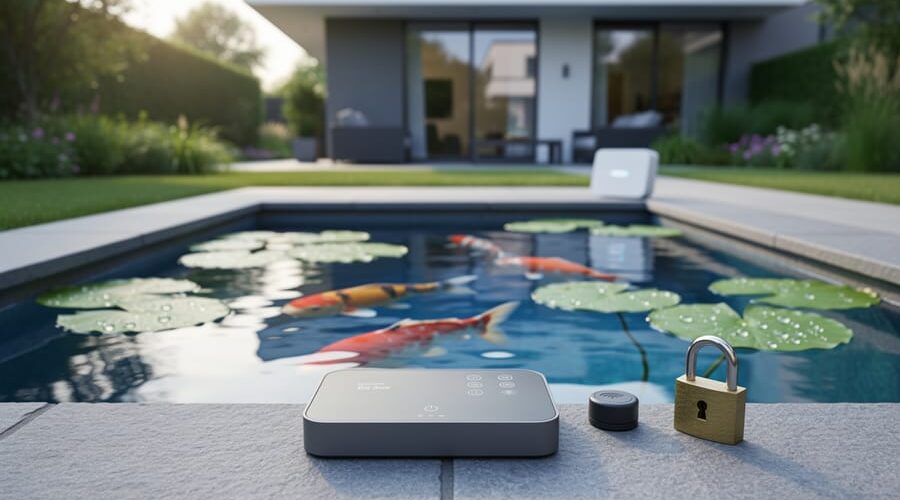
Why Your Smart Pond Needs Protection (Before Hackers Turn Off Your Filter)
Your smart pond equipment is only as secure as your home network, and right now, hackers could be accessing your automated feeders, water quality monitors, and filtration controllers without you knowing. That connected pond system that makes maintenance so convenient also creates entry points for cybercriminals who might disrupt fish feeding schedules, tamper with oxygen levels, or even use your devices as gateways to your home network.
Change default passwords on every connected pond device immediately, using unique combinations of letters, numbers, and symbols for each piece of equipment. Most pond automation systems ship with generic passwords like “admin123” that hackers can crack in seconds. Create a simple spreadsheet to track which password belongs to which device, storing it securely offline.
Set up a separate guest network specifically for your pond equipment, isolating it from your main home network where personal computers and smartphones connect. This quarantines any potential breach to just your outdoor devices. Most modern routers include guest network functionality in their settings menu, taking only minutes to configure.
Update firmware on all pond controllers, sensors, and automated systems quarterly by checking manufacturer websites for security patches. These updates fix vulnerabilities that hackers actively exploit, yet most pond owners never think to install them. Set calendar reminders every three months to check for updates across all your connected devices.
Enable two-factor authentication wherever your pond equipment manufacturer offers it, adding an extra verification step beyond passwords. This simple security layer blocks unauthorized access even if someone steals your login credentials. The minor inconvenience pays dividends in protection for your aquatic investment and the fish depending on properly functioning systems.
What Makes Your Pond ‘Smart’ (And Vulnerable)
The Connected Devices in Your Water Garden
Your water garden might be more high-tech than you realize! If you’ve embraced modern pond keeping, you’re probably already enjoying the convenience of smart pond IoT devices that make maintenance easier and keep your fish happier. Let me walk you through what’s likely connected to your home network.
Wi-Fi enabled filters are becoming incredibly popular, allowing you to monitor water flow and filter performance right from your phone. I remember checking mine from a holiday cabin once, and it was such a relief to see everything running smoothly! Automated feeding systems are another game-changer, dispensing precise amounts of food on schedule, even when you’re away for the weekend.
Water quality sensors continuously track pH levels, temperature, and dissolved oxygen, sending alerts if something goes wrong. Smart lighting controls let you create stunning nighttime displays and adjust brightness remotely, while monitoring cameras give you a live view of your pond from anywhere in the world.
These devices connect through your home Wi-Fi network, often controlled by smartphone apps that put your entire pond ecosystem at your fingertips. Some even integrate with voice assistants, so you can literally ask about your water temperature while making morning coffee. Pretty amazing, right? But here’s the thing: each connected device is also a potential entry point that needs protection, which is exactly what we’ll explore next.
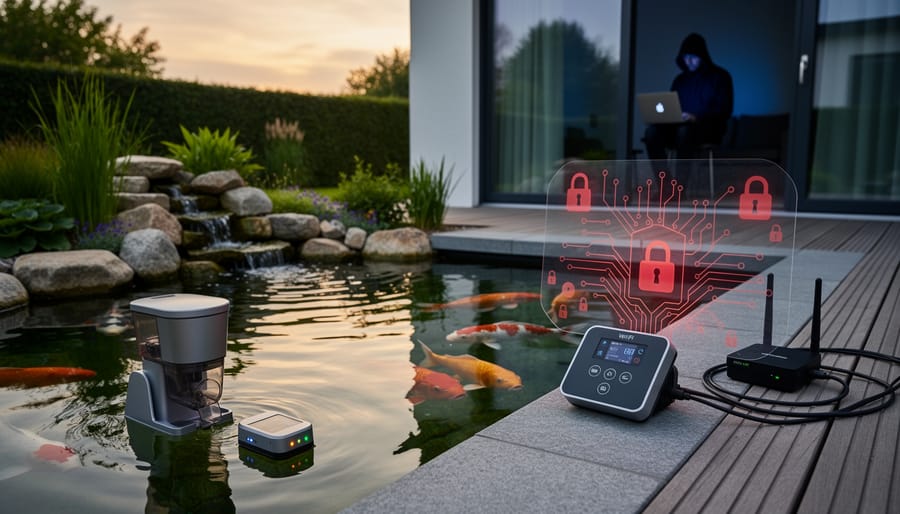
How Your Pond Talks to the Internet
Think of your smart pond setup like your home Wi-Fi network, but for your water garden. When you install connected pond systems, they typically work through three simple steps that create a digital conversation.
First, your pond devices like automated feeders, pumps, and water monitors connect to your home’s wireless network, just like your smartphone or laptop does. They use that same invisible highway of information floating through your house.
Second, you control everything through an app on your phone. When you tap to check your water temperature or adjust the fountain timer, your phone sends a message through your home network.
Third, most systems send information to the cloud, which is basically a secure storage space on the internet where your pond’s data lives. This lets you check on your fish from anywhere, whether you’re at work or on vacation.
The whole process happens in seconds, creating a seamless experience. However, this digital pathway also creates potential entry points for unwanted visitors, which is exactly why understanding basic security matters for keeping your pond safe.
Real Risks to Your Pond (It’s Not Just About Data)
When Your Fish’s Life Support Gets Hijacked
Imagine waking up to find your fish gasping at the surface because a hacker disabled your pond’s aeration system overnight. It sounds like something from a thriller movie, but for smart pond owners, this is a real possibility worth understanding.
Your filtration and aeration systems are literally your fish’s life support. When these get compromised, things can go downhill fast. If someone manipulates your system settings remotely, they could shut off oxygen supply or stop water circulation entirely. Within hours, oxygen levels plummet, and beneficial bacteria in your filter start dying off. Your fish experience what’s essentially suffocation in their own home.
Here’s what could happen: A disabled pump means stagnant water, allowing ammonia and nitrites to spike dangerously. Temperature regulation fails, causing thermal shock. Filters clogged on purpose create toxic water conditions. Some attackers might even cycle systems on and off repeatedly, stressing fish and damaging equipment motors.
I learned about this risk from a pond keeper whose smart controller got hacked through a weak password. Thankfully, he caught it before serious harm occurred, but his filter had been offline for six hours. The experience taught him that even garden ponds need cybersecurity basics. Simple precautions like strong passwords and regular monitoring can prevent your fish from becoming victims of digital mischief.
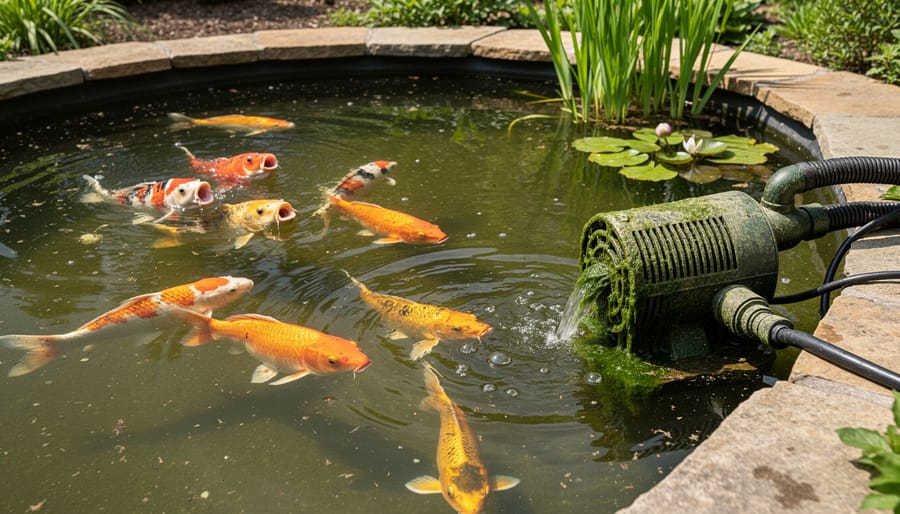
Your Home Network as the Weak Link
Think of your smart pond equipment as a door to your house – if you leave it unlocked, you’re not just risking your pond, you’re potentially giving intruders access to everything inside your home network. When pond security threats become reality, that compromised pump controller or monitoring device can serve as a stepping stone for hackers to reach your home computers, smartphones, smart TVs, and other connected devices.
Here’s what makes this particularly concerning: once someone gains access through an unsecured pond device, they can potentially view your personal files, intercept passwords, access banking information, or even spy on you through home security cameras. Your family photos, work documents, and financial records could all be vulnerable because of one overlooked piece of pond equipment.
The good news? Understanding this connection is the first step toward protection. Your pond devices shouldn’t be isolated from your overall home security strategy – they’re part of the same digital ecosystem that includes everything else in your connected home.
The Cost of Compromised Equipment
When your smart pond equipment gets hacked or tampered with, the consequences can be heartbreaking. Imagine your automatic feeder dispensing an entire week’s worth of food in one go, overwhelming your fish and crashing your water quality overnight. Or picture your filtration pump running at maximum speed 24/7, burning out the motor within days and leaving you with a repair bill that could easily hit several hundred dollars.
Temperature control is another vulnerable area. A compromised heater could overheat your pond during summer, stressing your fish beyond recovery. Conversely, it might shut off completely during a cold snap, putting your entire pond ecosystem at risk. I’ve heard from pond keepers who discovered their UV clarifiers were switched off remotely, leading to green water blooms that took weeks to correct. The financial damage adds up quickly between equipment replacement, emergency vet visits for sick fish, and the time spent fixing preventable problems that should have been handled by your smart system.
Simple Steps to Lock Down Your Smart Pond
Start With Your Passwords (Yes, Really)
I know, I know – passwords feel like the most boring part of pond tech! But here’s the thing: most smart pond controllers, WiFi-enabled pumps, and monitoring systems come with passwords like “admin” or “123456” straight from the factory. Hackers love this because it’s like leaving your front door wide open with a welcome mat.
When you first set up any connected pond device, changing that default password should be step one. Think of something unique for each device – your pond pump password shouldn’t be the same as your pond camera password. I learned this the hard way when a neighbor’s hacked fountain controller started cycling wildly at 2 AM!
Create passwords that mix uppercase and lowercase letters, numbers, and symbols. Instead of “Koi2024,” try something like “MyK0i$wim@Dawn!” It’s memorable to you but much harder to crack.
Here’s my favorite trick: use a password manager app. These handy tools generate super-strong passwords and remember them for you, so you don’t have to scribble them on sticky notes by your pond equipment (guilty!). Many are free and work across your phone and computer, making it simple to access your pond controls securely from anywhere.
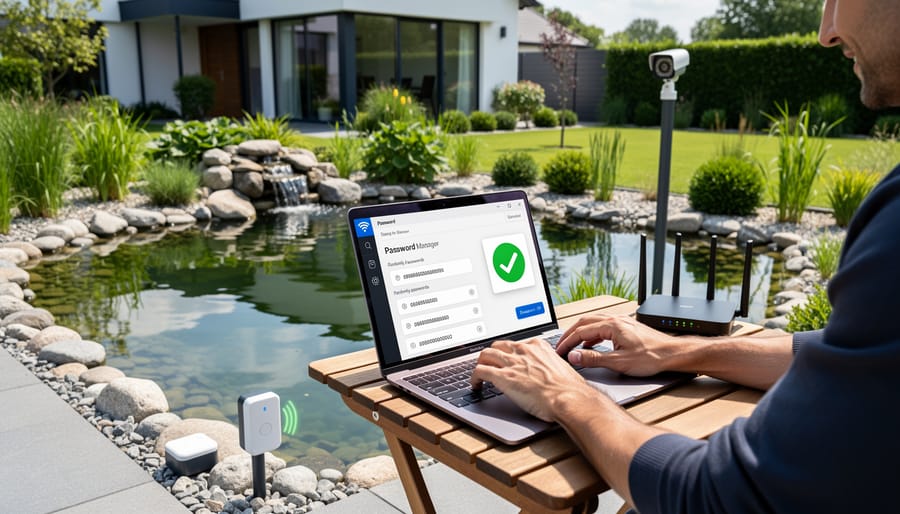
Secure Your Wi-Fi Network
Your home Wi-Fi network is the gateway to all your smart pond devices, so protecting it is essential. Think of it like the fence around your pond—you want it strong enough to keep unwanted visitors out!
Start by updating your router’s firmware regularly. Manufacturers release updates to patch security holes, much like how you’d repair a leak in your pond liner before it becomes a bigger problem. Check your router’s settings every few months or enable automatic updates if available.
Next, make sure you’re using WPA3 encryption, the latest and strongest protection for your wireless network. If your router doesn’t support WPA3, WPA2 is acceptable, but avoid anything older. You’ll find this setting in your router’s security options—it’s usually just a dropdown menu selection.
Here’s a game-changer I learned after connecting my first pond controller: create a separate guest network specifically for your IoT devices. Most modern routers offer this feature. By keeping your pond equipment on its own network, you’re protecting your main devices (computers, phones) if a pond gadget gets compromised. It’s like having a quarantine tank for new fish—keeps problems isolated!
Finally, change your router’s default administrator password to something unique and strong. Use a combination of letters, numbers, and symbols that you’ll remember but others can’t easily guess.
Keep Your Pond Devices Updated
Think of firmware updates like getting a tune-up for your car, except for your smart pond equipment. Firmware is the built-in software that runs your pumps, filters, and monitoring systems. Manufacturers regularly release updates to fix security gaps, improve performance, and add new features.
Why does this matter for your pond? Outdated firmware is like leaving your front door unlocked. Hackers can exploit old security holes to access your equipment, potentially turning off your aerator or messing with water chemistry settings. I learned this the hard way when my neighbor’s outdated pond controller got hacked, causing his filter to shut down overnight.
Checking for updates is surprisingly simple. Most modern pond equipment has a companion app where you’ll find an “Update” or “Settings” menu. Look for notifications about available updates, usually marked with a number badge. For brands like AquaLink, Neptune Systems, or Pentair, log into their app monthly and tap “Check for Updates.”
When an update appears, install it during a time you can monitor your pond, just in case. The process typically takes 5-10 minutes, and your equipment might restart. This simple step is crucial for effective smart pond maintenance and keeping everything secure.
Choose Devices From Trustworthy Manufacturers
When shopping for smart pond equipment, think of manufacturers like you’d think about choosing a trusted friend to watch over your fish! Before adding any connected device to your pond, do a little homework on the company behind it.
Start by checking if the manufacturer mentions security anywhere in their product descriptions or website. Reputable companies will talk about encryption, regular software updates, and how they protect your data. If a product description focuses only on flashy features but stays silent about security, that’s a red flag waving at you.
Look for manufacturers who provide clear instructions on changing default passwords and offer regular firmware updates. These updates are like health checkups for your equipment, fixing vulnerabilities as they’re discovered. Companies that abandon products after selling them, leaving you with outdated software, aren’t worth your investment.
Warning signs to watch for include suspiciously cheap prices compared to competitors, vague product specifications, and lack of customer support contact information. If you can’t find reviews from other pond owners or the company seems to have appeared overnight, proceed with caution. Established manufacturers with active communities and responsive customer service teams show they’re committed to their products long-term, including keeping them secure.
Monitor for Suspicious Activity
Think of your smart pond system like a helpful neighbor who usually follows the same routine. When something’s off, you’ll notice. Keep an eye out for app notifications that seem random or don’t match what’s happening at your pond. If your app suddenly requests access to features it never needed before, that’s a red flag worth investigating.
Your equipment’s behavior tells a story too. Pumps running at odd hours, filters cycling unexpectedly, or lights turning on when they shouldn’t might indicate someone’s accessed your system. I learned this firsthand when my fountain started operating at 3 AM—turns out my password was too simple!
Check your pond’s actual conditions regularly. monitoring for unusual activity means comparing what your app reports with what you see. If the app shows normal oxygen levels but your fish are gasping at the surface, something’s wrong. Unexplained temperature swings or water level changes deserve attention. Trust your instincts—you know your pond better than any app.
Building Security Into Your Pond From the Start
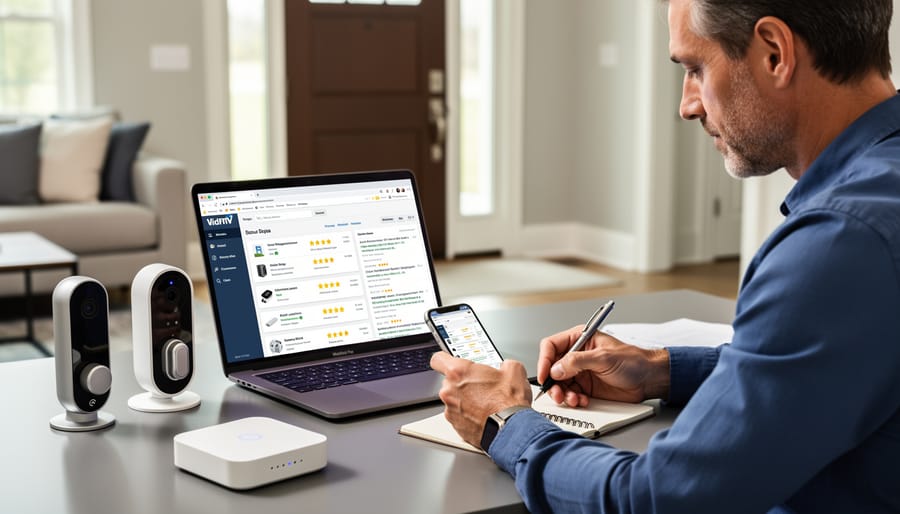
Questions to Ask Before Buying Smart Pond Equipment
Before you get excited about that shiny new smart pond gadget, let’s make sure it’ll keep your watery paradise safe. Think of this as your pre-purchase security checklist—because nobody wants a hacked fish feeder!
Start by asking manufacturers about their update policy. How often do they release security patches? A company that regularly updates its software shows they’re committed to keeping hackers out. If they can’t give you a straight answer, that’s a red flag waving right there.
Next, dig into encryption standards. Don’t worry—you don’t need to be a tech wizard! Simply ask: “Does this device use encrypted communication?” If the answer is yes, you’re protecting your pond data from prying eyes. It’s like putting a lock on your garden gate, but for digital information.
Privacy policies matter too. Read through them (I know, it’s boring, but stick with me here). Find out what data the device collects and whether it’s shared with third parties. Your pond habits should stay your business.
Finally, check manufacturer support. Can you reach someone if things go wrong? A responsive customer service team that addresses security concerns promptly means you’re not left alone when issues pop up. Test their response time before buying—send a quick question and see how long they take to answer.
Creating a Secure Setup Plan
Think of your smart pond setup like arranging furniture in your home. You want everything accessible, but you also need to think about safety. When I first set up my connected pond system, I made the rookie mistake of placing my Wi-Fi router right next to the pond controller, thinking closer meant better. What I didn’t consider was creating a single point of failure for everything.
Start by mapping out where your devices will live. Your main controller should be in a weatherproof location that’s convenient for monitoring but not exposed to direct water spray or extreme temperature swings. I keep mine in a small utility box near my garage, about fifteen feet from the pond itself.
For network architecture, consider creating a separate Wi-Fi network just for your pond equipment. This isn’t as complicated as it sounds. Many modern routers let you set up a guest network, which keeps your pond devices separate from your personal computers and phones. If somehow your pond system gets compromised, your family photos and banking information stay protected.
Backup systems are your safety net. Keep your original manual controls accessible even after automating. I learned this during a power outage when my smart system went offline, but I could still manually adjust the waterfall using the original valve. Also, maintain written notes of all your settings and passwords in a physical notebook stored safely indoors.
What to Do If Something Goes Wrong
Even with the best security measures in place, things can occasionally go awry with your smart pond system. Knowing how to respond quickly can make all the difference in protecting your fish and equipment.
If you notice anything unusual—like your pond equipment behaving strangely, unexpected changes to water parameters, or devices you don’t recognize connecting to your system—don’t panic, but do act quickly. First things first: switch your pond equipment to manual mode if possible. This immediately stops any remote interference while keeping your fish safe. I learned this lesson the hard way when my smart feeder started dispensing food continuously one afternoon. Switching to manual saved me from a potential water quality disaster.
Next, disconnect your smart devices from the internet temporarily. Unplug Wi-Fi adapters or disable network connections on your pond controller. Your fish will be just fine without internet connectivity for a few hours or even days while you sort things out. Think of it like taking your pond “off the grid” momentarily.
Now it’s time to investigate. Check your device logs if available—most smart pond systems keep a record of commands and changes. Look for access times that don’t match your usage patterns or settings you didn’t change. Document everything with screenshots or photos. Change all passwords immediately, even if you’re not certain there’s been a breach.
If you discover actual unauthorized access, or if equipment has been damaged, contact the manufacturer’s support team. They can often determine if the issue is security-related or just a technical glitch. For serious breaches involving financial loss or if you feel overwhelmed, don’t hesitate to contact a cybersecurity professional. Many offer consultations specifically for smart home devices, and the peace of mind is worth the investment.
Protecting your smart pond doesn’t mean becoming a cybersecurity expert overnight. Just like you learned to balance your pond’s pH or choose the right plants, securing your connected devices is simply another part of caring for your water garden. The good news? Most security improvements take just minutes to implement and don’t require any special technical skills.
Start with one simple action today: change the default password on your smart pond controller. That single step already puts you ahead of most threats. From there, you can gradually add other protections as you become more comfortable, just like how you built your pond knowledge over time.
Remember, you’ve already mastered keeping fish healthy and maintaining water quality. Securing your pond equipment is actually easier than dealing with algae blooms! With a little awareness and these basic precautions, you can enjoy all the convenience of smart pond technology while keeping your aquatic haven safe and thriving.