
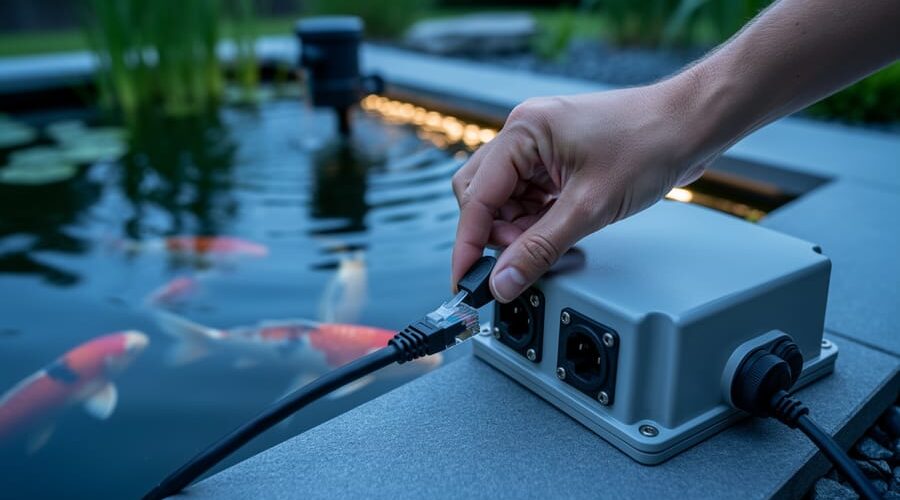
How Smart Pond Controllers Became Hacker Targets (And What You Can Do About It)
Disconnect your smart pond controller from the internet when you’re not actively monitoring it—think of it like locking your front door when you leave home. Your automated filtration system, LED lighting controls, and water quality sensors create convenient digital access points, but they also become gateways for hackers if left unprotected.
Change the default password on every connected device in your pond setup immediately. Most smart controllers ship with passwords like “admin123” or “password”—combinations that take hackers mere seconds to crack. Create unique passwords with at least 12 characters mixing letters, numbers, and symbols for each device.
Update your pond equipment firmware monthly, just as you’d maintain your filter media. Manufacturers constantly patch security vulnerabilities, but those fixes only work if you install them. Set calendar reminders to check for updates on your smartphone app, control panels, and monitoring systems.
The new cybersecurity pilot program for small businesses specifically includes home-based pond maintenance services, water garden consultants, and aquatic equipment retailers. If you’ve turned your pond passion into any form of business—even selling extra plants to neighbors—you likely qualify for free security assessments, discounted protective software, and hands-on training sessions that translate complex cybersecurity concepts into pond-friendly language.
Your connected pond represents an investment of thousands of dollars in equipment and livestock. Protecting it from digital threats requires the same attention you give to maintaining proper pH levels or preventing algae blooms. This pilot program makes that protection accessible and affordable.
Why Your Smart Pond System Needs Protection
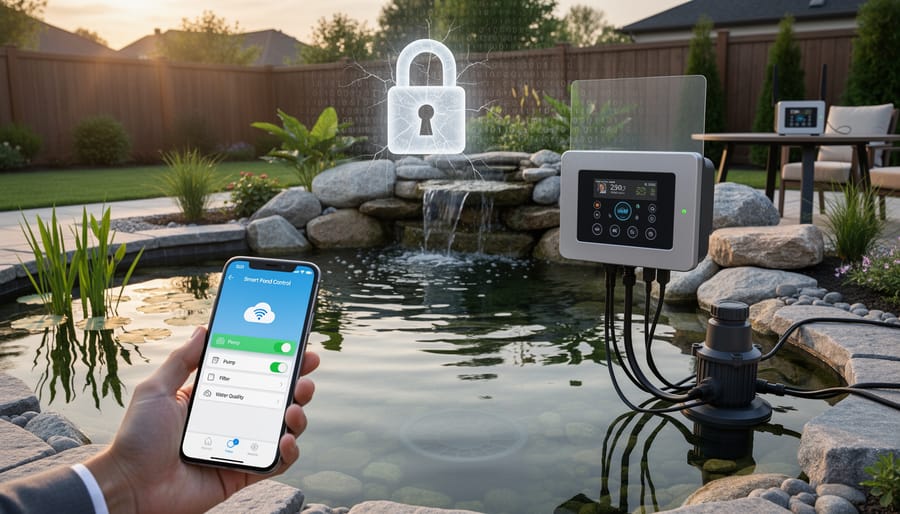
What Makes Smart Ponds Vulnerable
Here’s the truth that surprised me when I first set up my connected pond: those convenient smart pond systems we love can be surprisingly easy targets for hackers. But don’t panic! Understanding the weak spots is the first step to protecting your setup.
The biggest vulnerability? Default passwords. Most pond controllers and WiFi-enabled pumps ship with passwords like “admin123” or even just “password.” I’m guilty of this myself—when I installed my first smart filter, I meant to change the password “later” and forgot for six months. Hackers have lists of these default credentials and can try them automatically.
Outdated firmware is another silent risk. Just like your phone needs updates, your pond equipment does too. Those updates often patch security holes that manufacturers discover. I once met a pond owner whose system was hacked simply because he’d never updated his controller’s software in three years.
Then there’s unsecured WiFi. If your pond equipment connects to a network without password protection, you’re essentially leaving your front door wide open. Even worse, some budget devices transmit data without encryption, meaning anyone nearby could intercept information about your system.
The good news? These vulnerabilities are fixable with simple steps, and that’s exactly what we’ll explore next.
Real Consequences for Your Pond
Let’s get practical about what could actually happen if your smart pond system gets compromised. I’m not trying to scare you, but understanding these scenarios helps you protect your setup better.
Imagine waking up to find your automated feeder hasn’t dispensed food for two days because someone accessed it remotely. Your fish are stressed, and you’re scrambling to get them back on schedule. Or picture this: your filtration pump suddenly stops working overnight. By morning, your water quality has taken a nosedive, and you’re dealing with cloudy water and unhappy koi.
Temperature control issues are another real concern. If hackers mess with your heater settings during winter, your pond could get dangerously cold. Conversely, summer heat waves combined with disabled aerators create low-oxygen emergencies that can harm your fish.
Then there’s privacy. Many of us install cameras to enjoy our ponds remotely or monitor wildlife. If these cameras aren’t secured properly, strangers could be watching your backyard. It’s unsettling to think about, and it’s one of the reasons why hackers target ponds.
The good news? Most of these situations are preventable with basic security measures. You don’t need to be a tech expert to protect your pond.
What the Small Business Pilot Program Actually Does
Who Qualifies (Hint: Probably You)
Good news! If you’ve got a smart pond system—whether it’s a backyard koi pond with automated feeders, a garden water feature with app-controlled lighting, or even a serious indoor aquaponics setup you manage from your phone—you probably qualify for this program.
The eligibility requirements are wonderfully straightforward. Most pilot programs focus on small businesses with fewer than 50 employees, which includes home-based pond maintenance services, independent water garden designers, and hobbyists who’ve turned their passion into a side business. If you sell plants, consult on pond installations, or maintain systems for neighbors, you’re likely in.
Even if you’re not running a formal business, many programs welcome serious hobbyists with connected equipment. That smart controller managing your pond’s filtration? That WiFi-enabled camera watching your fish? These make you part of the connected world this program aims to protect.
The key qualifier is usually having internet-connected pond equipment and a willingness to learn. Don’t let the word “business” intimidate you—this program recognizes that today’s water gardeners are tomorrow’s small business owners, and protecting your passion project now builds good habits for whatever comes next.
What You’ll Get from the Program
Participating in this pilot program gives you access to several valuable resources that’ll help protect your smart pond investment without breaking the bank. Think of it as getting a personal security coach for your connected pond equipment!
First up, you’ll receive a comprehensive security assessment specifically tailored to your pond system. A cybersecurity expert will review your setup—from your smartphone app connections to your Wi-Fi network—and identify any weak spots. It’s like having someone inspect your pond for leaks, except they’re checking for digital vulnerabilities instead.
You’ll also get educational materials written in plain English, not confusing tech-speak. These guides walk you through topics like creating strong passwords, recognizing suspicious activity, and safely updating your equipment. I remember feeling overwhelmed when I first connected my pond devices, but having clear instructions made everything manageable.
The program includes hands-on implementation support too. If you’re uncertain about changing security settings or need help configuring your devices properly, you’ll have experts available to guide you through the process step-by-step. No question is too basic!
Perhaps most exciting, many pilot programs offer cost assistance for security upgrades. This might cover things like better routers, security software, or even upgraded equipment with stronger built-in protection. The exact benefits vary by program, but it essentially reduces the financial burden of securing your pond technology.
Best of all, you’ll gain peace of mind knowing your beautiful pond ecosystem is protected from digital threats, letting you focus on what you love—enjoying your water garden.
Simple Steps to Secure Your Smart Pond Setup Today
Passwords and Access Control Made Easy
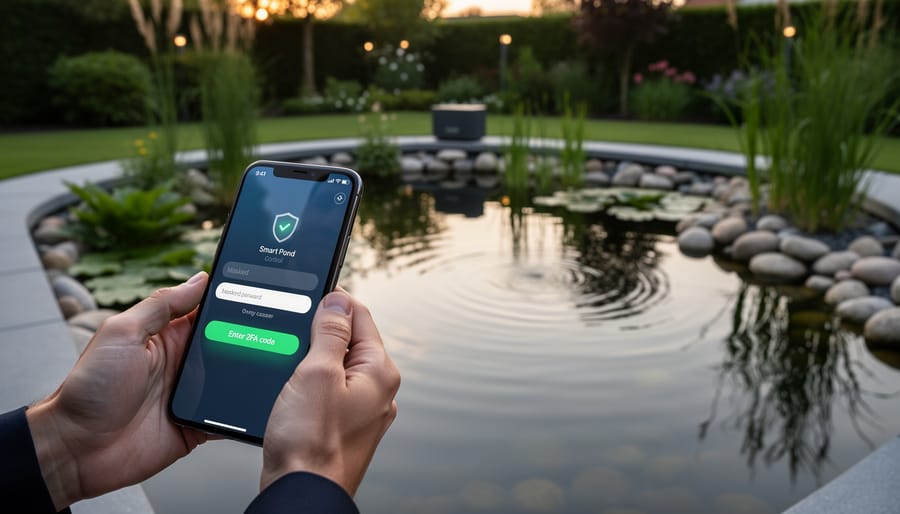
Think of your pond app password like the lock on your garden gate—you want something sturdy that keeps unwanted visitors out! Start by creating passwords that mix uppercase and lowercase letters, numbers, and symbols. Instead of “Pond123,” try something like “BlueLily@Garden42!” that’s meaningful to you but hard for others to guess.
Here’s my personal approach: I use a password manager app on my phone to store all my pond system logins. It’s like having a secure filing cabinet for your digital keys, and you only need to remember one master password. Most pond control apps like AquaConnect and PondMaster now offer two-factor authentication—that extra security step where they text you a code. Enable it! Yes, it takes five extra seconds to log in, but it’s worth the peace of mind.
For access control, review who has login credentials to your pond systems. Does your neighbor still have access from when they watched your fish last summer? Remove permissions you no longer need. Most apps let you create guest accounts with limited control—perfect for pond sitters who only need to check camera feeds without adjusting equipment settings.
Update Your Equipment (It’s Easier Than You Think)
Good news! Updating your pond equipment’s firmware isn’t nearly as scary as it sounds. Think of firmware updates like giving your pond controller a quick tune-up—manufacturers release these to fix bugs and patch security holes that hackers could exploit.
Start by checking what smart devices you actually have. Look at your pond controller, automatic feeders, and monitoring systems. Most have a model number on a label or in their app. Write these down.
Next, visit each manufacturer’s website and look for a “Support” or “Downloads” section. Search for your specific model. If there’s a newer firmware version than what you’re running, download it. Most modern devices update right through their smartphone apps—just tap “Check for Updates” in the settings menu.
For older equipment, you might need to connect it to your computer with a USB cable and follow the manufacturer’s step-by-step guide. I’ll be honest, the first time I updated my pond controller, I was nervous I’d break something. But the whole process took maybe ten minutes, and the instructions walked me through every click.
Set a reminder to check for updates quarterly. Many devices can even auto-update if you enable that feature. This simple habit keeps your pond systems secure without requiring any tech wizardry.
Secure Your Home Network
Your home network is the gateway to all your smart pond equipment, so let’s lock it down with a few simple steps that anyone can do in an afternoon.
Start with your WiFi router’s password. Most routers come with a default password printed on a sticker underneath, and unfortunately, hackers know these defaults too. Log into your router’s settings (check your manual for the web address, usually something like 192.168.1.1) and create a strong, unique password. Think of it like building a fence around your pond – you want it sturdy enough to keep unwanted visitors out.
Next, set up a guest network specifically for your pond devices. This creates a separate WiFi network that keeps your pond pumps, sensors, and controllers isolated from your computers and phones. If someone does compromise your pond equipment, they won’t have access to your personal files. It’s brilliant for smart pond maintenance security.
Finally, enable your router’s basic monitoring features. Most modern routers show you which devices are connected. Check this list monthly – if you spot anything unfamiliar, investigate immediately. These simple practices create layers of protection that make your connected pond system much harder to breach.
How to Join the Pilot Program
Gathering Your Information
Before diving into the program, let’s gather what you’ll need. Think of this as organizing your pond maintenance supplies before starting a big project—having everything ready makes the process so much smoother!
Start with a simple inventory of your connected pond equipment. Jot down every smart device you’re using: controllers, pumps, lighting systems, automatic feeders, water quality monitors, and any phone apps or web portals you access them through. Don’t worry if your list looks messy—mine certainly did when I first cataloged my setup!
Next, collect your business details if you’re running a commercial operation like a koi breeding business or pond maintenance service. This includes your business name, size, and how long you’ve been operating. Home pond enthusiasts can skip this part.
Finally, take honest stock of your current security practices. Do you change default passwords? Have you updated firmware recently? Do you use the same password across multiple devices? No judgment here—we’re all learning together! Write down what you’re already doing right and what feels confusing or overwhelming.
This simple preparation will help you understand exactly where you stand and what support you might need from the pilot program. Plus, you’ll likely discover you’re already doing more to protect your pond than you realized!
What Happens After You Apply
Once you submit your application, the program team typically responds within two to three weeks—think of it like waiting for pond plants to arrive in the mail, except with more emails! If accepted, you’ll first receive a friendly initial assessment where a cybersecurity expert evaluates your current smart pond setup. This isn’t a test you can fail; it’s simply a conversation about what devices you’re using and how they connect.
Next comes the fun part: customized training sessions designed specifically for pond owners, not tech experts. You’ll learn practical skills like setting strong passwords, recognizing suspicious activity, and updating your equipment safely. These sessions usually happen over video calls at times that work with your schedule—no need to travel anywhere.
The implementation phase follows, where you’ll actually apply what you’ve learned to secure your controllers, sensors, and monitoring systems. Program coordinators stay in touch throughout this process, answering questions as they pop up. Most participants complete the entire program within three to four months, though you can move at your own pace. Remember, this program exists to help you protect your investment in smart pond technology, so don’t hesitate to ask questions along the way. You’re joining a community of fellow water gardeners taking the same journey toward better digital security.
Building Security into Your Pond from Day One
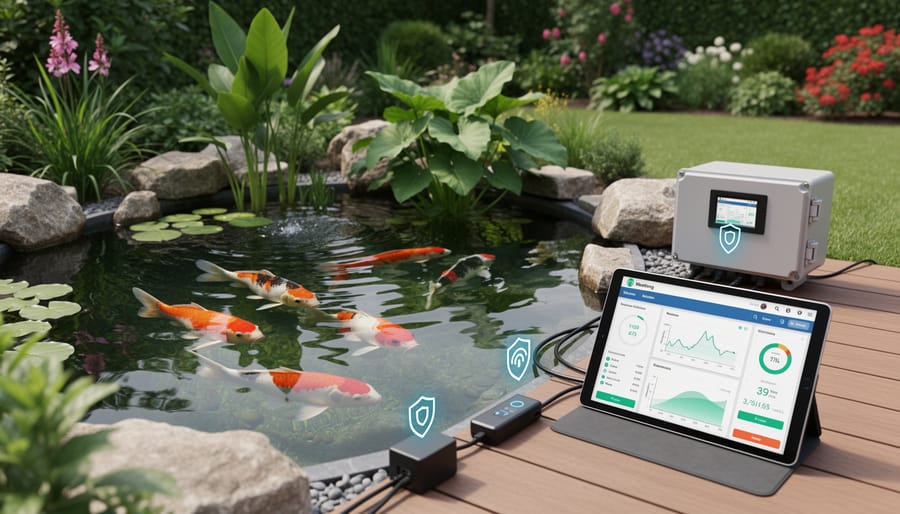
Choosing Security-Friendly Equipment
Shopping for IoT pond equipment is exciting, but adding a security lens to your purchasing decisions doesn’t have to dampen the fun. Think of it like choosing pond fish—you want healthy stock from trusted sources, not just the flashiest option.
Start by researching the manufacturer’s reputation. Look for companies that have been around for a while and actively respond to customer concerns. Check reviews specifically mentioning software updates. A manufacturer that regularly patches security vulnerabilities shows they’re committed to protecting your investment long-term.
Ask direct questions before buying: Does this device receive automatic security updates? How often? Will it still get updates in three years? Reputable companies will have clear answers. I learned this the hard way when my first smart feeder became a “smart brick” after the company stopped supporting it within 18 months.
Consider control options carefully. Local control systems let you manage your pond through your home network without sending data to distant servers. Cloud-based systems offer remote access from anywhere but mean your pond data travels through company servers. Many quality systems offer both options, giving you flexibility based on your comfort level.
Look for equipment with strong password requirements and two-factor authentication options. If a device arrives with a default password printed on it and no requirement to change it, that’s a red flag. Your pond’s security starts with smart purchasing choices that prioritize both functionality and protection.
Creating Your Personal Security Checklist
Think of your security routine like maintaining your pond’s water quality—consistency is key! Create a simple checklist you can tackle each season. Every three months, walk through your connected pond devices and change passwords to something fresh (I like combining random words, like “BlueLily42Waterfall”). Check that your pond monitoring app has the latest updates installed—outdated software is like leaving your garden gate wide open.
During these quarterly reviews, verify who has access to your smart pond system. Remove any old accounts from contractors or house guests who helped set things up. Test your backup systems too—imagine losing all your favorite fish photos or pond data because you skipped this step! Finally, scan your network for any unfamiliar devices. Most router apps make this surprisingly easy, showing everything connected to your system. Print your checklist, stick it on the fridge, and check items off as you go. Fifteen minutes four times yearly protects your pond paradise.
Here’s the truth: protecting your smart pond system doesn’t require a computer science degree or a massive budget. Just like you learned to balance your pond’s pH or troubleshoot a finicky pump, you can master the basics of cybersecurity with a few simple steps.
I remember feeling completely overwhelmed when I first added a smart filter controller to my koi pond. The thought of hackers accessing my equipment seemed like something from a sci-fi movie. But after changing default passwords and setting up my secure network, I realized cybersecurity is really just another form of pond maintenance. You’re protecting your investment, just like you would when winterizing your pond or installing proper filtration.
Whether you decide to apply for the cybersecurity pilot program or start with basic measures on your own, taking that first step is what matters. Update those passwords today. Check for firmware updates this weekend. Set aside fifteen minutes to review your router settings. These small actions add up to significant protection for your aquatic haven.
Your pond represents hours of careful planning, physical effort, and genuine passion. You’ve invested in creating a thriving ecosystem that brings joy to your outdoor space. Your connected devices are simply tools that help you maintain that beauty more efficiently. They deserve the same attention and care you give to every other aspect of your water garden. Start small, stay consistent, and you’ll soon find that cybersecurity becomes second nature, just like testing your water quality or feeding your fish.